
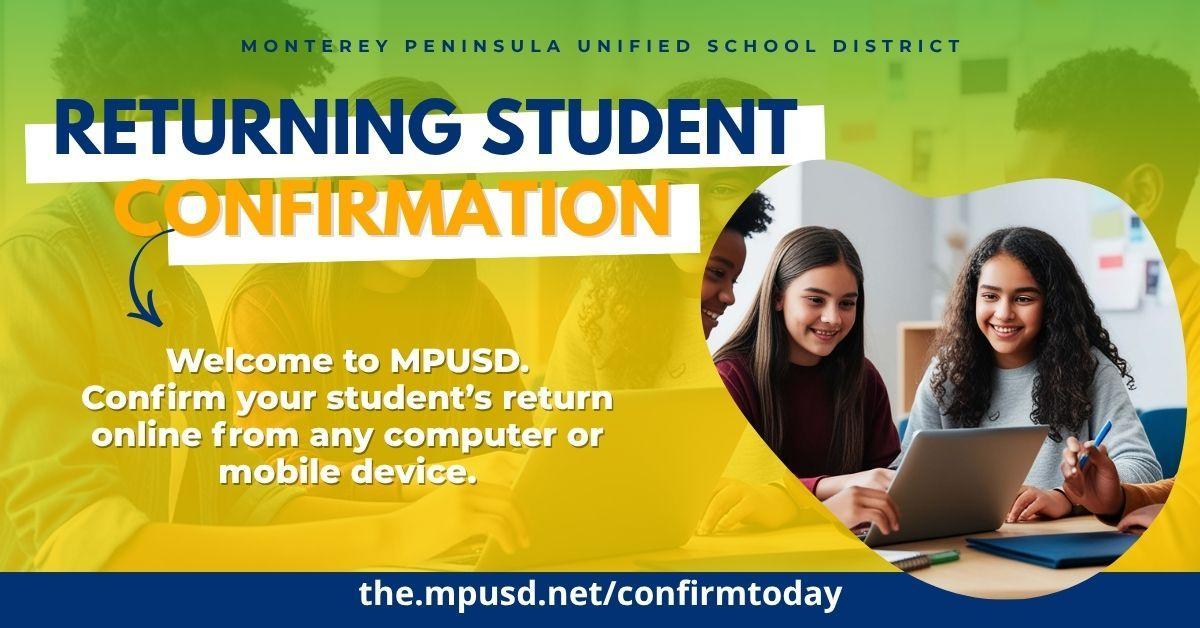
Returning Student Confirmation for 2026 - 2027 is Now Open
All currently enrolled MPUSD students have automatically been placed in their next grade level and school for the upcoming school year. However, parents/guardians must still confirm that their student is returning by completing the online Returning Student Confirmation process and updating required forms.
Please complete this as soon as possible. Confirmations are needed now so we can build classes, create student schedules, and plan staffing for every school. In order for your student to return in August, the Returning Student Confirmation must be completed in advance, especially for safety reasons so we have updated contact and emergency information.
Without a completed confirmation, students unfortunately will not be eligible for:
Class schedules
Sports participation
School dances
Other extracurricular activities
This process ensures we have the most up-to-date:
Contact information
Emergency contacts
Health information
Student details for the upcoming school year
Thank you for taking a few minutes to confirm your student’s information and help us prepare for a strong start to the 2026 - 2027 school year.
NOTE: If you plan on attending the fall Back-to-School Bash, save a photo, screenshot, or printed copy of your confirmation. Families who bring their confirmation to MPUSD’s annual Back to School Bash on Saturday, July 25 will receive first access to free backpacks, meal tickets, and raffle prizes. This helps you skip the long verification lines. Simply show your confirmation and receive your tickets.
 |
|
 |


CONFIRMATION STEPS
- Click the Returning Student Confirmation image. You will be directed to ParentVUE.
- Click “I am a parent.”
- Log in using your username and password.
- If you have never activated your ParentVUE account, please contact your child’s current school site for an activation key.
- After logging in, click Online Registration in the top right corner.
- Select 2026 - 2027 or the bottom option.
- Complete the process to confirm your student’s enrollment and update your information.